Composite Shape Area Calculator
Add shapes as positive (add) or negative (cut-out) parts. Supports rectangles, triangles, circles, trapezoids, ellipses, rings, sectors, and segments.
Sometimes a shape is not one single figure. It is made of multiple parts. A room with a cut-out corner, a land plot with an extension, or a design with mixed shapes.
This is where most people get stuck. You cannot apply one formula, and trying to measure everything together becomes confusing.
The practical way to solve this is simple: break the shape into parts, add what belongs, and subtract what does not. This calculator is built exactly for that.
Area of Composite Shapes Calculator
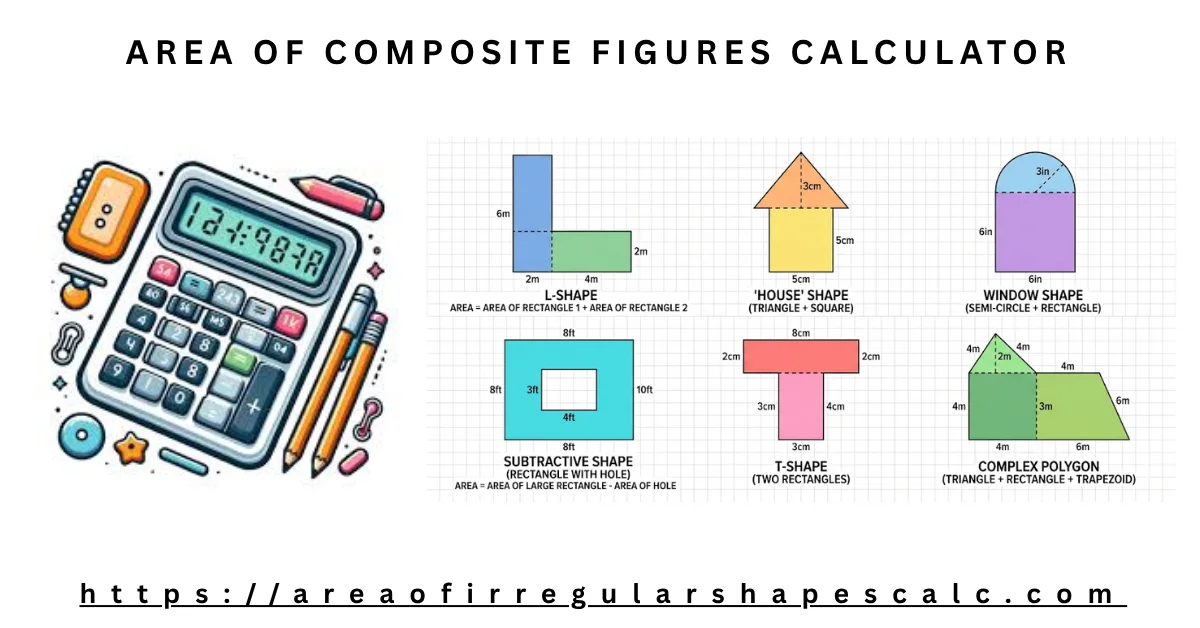
A composite shape is made by combining two or more simple shapes like rectangles, triangles, or circles.
Instead of forcing one formula, you work with smaller known shapes. Each part is calculated separately and then combined.
This tool lets you do that directly. You can add shapes that belong to the figure and subtract parts that are cut out.
How to Calculate Area of Composite Shapes
When you look at a complex shape, the goal is not to solve it at once. The goal is to simplify it.
Step 1: Break the shape into parts
Look at the figure and divide it into simple shapes like rectangles or triangles. Choose shapes that are easy to measure.
Step 2: Identify what to add and what to subtract
- Areas that are part of the shape → add them
- Areas that are missing or cut out → subtract them
This step is where most mistakes happen.
Step 3: Calculate each part
Find the area of each small shape using its formula.
Step 4: Combine the results
Add all included areas and subtract any cut-outs to get the final result.
This calculator follows the same process automatically.
Add and Subtract Method (Composite Area Calculation)
This method is the core of composite shape calculation.
When to add area
Add areas when shapes are connected and part of the full figure.
Example: – A rectangle with an attached triangle → add both areas
When to subtract area
Subtract areas when a part is missing or removed.
Example: – A large rectangle with a smaller rectangle cut out → subtract the inner part
Why this matters
If you add everything without thinking, you will overestimate the area. If you forget subtraction, the result will be wrong.
A good rule is: > Only include what actually exists in the shape.
How Composite Shape Area Calculator Works
The calculator lets you work with multiple shapes step by step.
- You select a shape (rectangle, triangle, circle, etc.)
- Enter its dimensions
- Choose whether to add or subtract it
Each shape contributes to the total area based on your selection.
You do not need to manually combine formulas. The tool handles the calculation as you build the shape.
Example of Composite Shape Area Calculation
Example 1: Rectangle with a Cut-Out
Imagine a large rectangle of 10 m × 6 m. Inside it, a smaller rectangle of 3 m × 2 m is removed.
Step 1: Calculate the main rectangle
A_1 = 10 = 60Step 2: Calculate the cut-out rectangle
A_2 = 3 = 6Step 3: Subtract the cut-out
A = 60 - 6 = 54Final area = 54 square meters
Example 2: Rectangle with Triangle Extension
A rectangle of 8 m × 5 m has a triangle attached to one side. The triangle has a base of 4 m and height of 3 m.
Step 1: Rectangle area
A_1 = 8 = 40Step 2: Triangle area
A_2 = = 6Step 3: Add both areas
A = 40 + 6 = 46Final area = 46 square meters
Example 3: L-Shaped Room
An L-shaped room can be divided into two rectangles. One rectangle is 6 m × 4 m, and the second is 3 m × 2 m.
Step 1: First rectangle
A_1 = 6 = 24Step 2: Second rectangle
A_2 = 3 = 6Step 3: Add both areas
A = 24 + 6 = 30Final area = 30 square meters
Example 4: Land Plot with Missing Corner
A square plot is 12 m × 12 m, but one corner of 4 m × 3 m is missing.
Step 1: Full square area
A_1 = 12 = 144Step 2: Missing section
A_2 = 4 = 12Step 3: Subtract missing part
A = 144 - 12 = 132Final area = 132 square meters
When to Use Composite Shape Calculator
This method becomes useful when a shape does not follow a single pattern. In real situations, most shapes are not perfect rectangles or circles. A room may have an extra section, a land plot may have a corner cut out, or a design may combine multiple shapes together.
Trying to apply one formula in these cases usually leads to confusion. People either guess dimensions or try to force the shape into something simpler, which often gives wrong results.
The better approach is to accept the shape as it is and break it into parts. Once you see the shape as a combination of smaller pieces, the calculation becomes easier and more accurate. That is exactly what this calculator helps you do.
Common Mistakes in Composite Area Calculation
Most mistakes happen not because the calculation is hard, but because the shape is not understood correctly.
A common issue is adding everything without checking if a part is actually missing. This leads to overestimating the area. In other cases, users forget to subtract cut-out sections, which again gives incorrect results.
Another problem is overlapping shapes. When the same portion is counted more than once, the final area becomes larger than it should be. This usually happens when the shape is not divided clearly.
Sometimes the mistake starts at the beginning, when the shape is broken into complicated parts instead of simple ones. This makes the process harder than it needs to be.
A simple way to avoid these errors is to pause and check the structure of the shape. Identify what truly belongs to the figure and what does not. Once that is clear, the calculation becomes straightforward.
Use this method when the shape is made of multiple parts and cannot be solved with a single formula.
Common situations:
- A room with an extra section or cut-out corner
- A land plot that is not a perfect rectangle
- A design that combines different shapes
People often try to: – force one formula, guess missing dimensions or even ignore cut-outs
This leads to wrong results.
Breaking the shape into parts makes the process clear and accurate.
Common Mistakes in Composite Area Calculation
Problem 1: Adding everything
Users sometimes add all parts without checking if something should be removed.
Result: Area becomes too large
Fix: Identify cut-outs and subtract them
Problem 2: Forgetting subtraction
Cut-out sections are ignored.
Result: Incorrect total area
Fix: Always check if any part is missing from the shape
Problem 3: Overlapping shapes
Some users double count areas by overlapping parts.
Result: Area is exaggerated
Fix: Make sure each part is counted only once
Problem 4: Wrong shape breakdown
Choosing complicated shapes instead of simple ones
Result: Calculation becomes harder and error-prone
Fix: Always break into the simplest shapes possible
✔ Practical Tip
If your answer looks too big or too small, check: – Did you subtract missing parts? – Did you double count any area?
Composite vs Other Methods
Different methods solve different problems:
- Composite method: Best when shape is made of multiple known parts
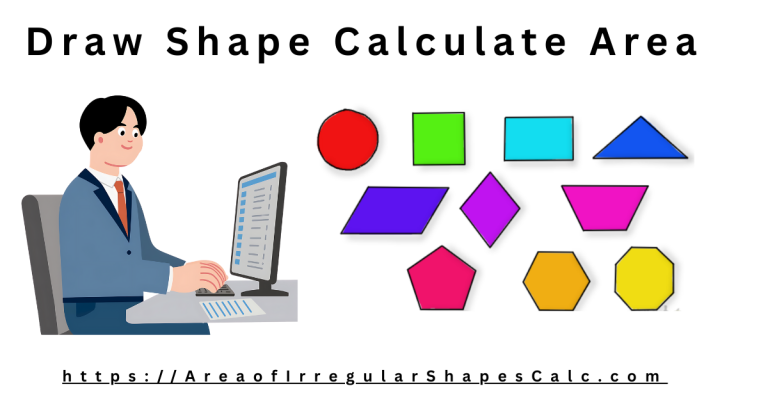
- Draw method: Best when you can visually trace the shape
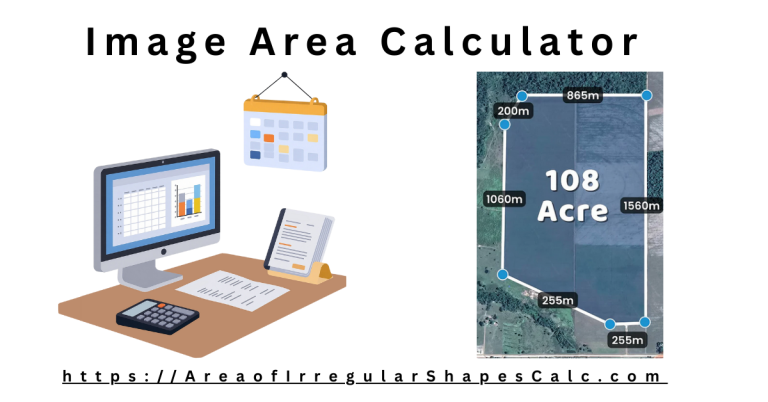
- Image method: Best when you only have a picture
Choosing the right method saves time and avoids confusion.
Frequently Asked Questions
1. How to find the area of a composite shape?
Break the shape into simple parts, calculate each area, then add or subtract them based on the structure.
2. Can you add areas together?
Yes. You add areas of parts that belong to the shape and subtract areas that are removed.
3. What is a composite shape?
A composite shape is made by combining two or more simple shapes into one figure.
4. How do you know when to subtract area?
Subtract when a section is missing or cut out from the main shape.
5. What is the formula for composite shapes?
There is no single formula. You use formulas of individual shapes and combine them using addition and subtraction.