Irregular Heptagon Area Calculator
Calculate the area of an irregular heptagon (7-sided polygon) using coordinates and the Shoelace (Gauss) formula.
| # | X | Y |
|---|
Seven-sided shapes almost never appear because someone planned them that way. They usually form because space had to adapt.
A boundary followed a road. A structure avoided an obstacle. A layout changed over time. By the time the shape is complete, it no longer fits any familiar formula.
This is where people usually get stuck. They look for a shortcut, try to simplify the shape in their head, or split it into smaller pieces and hope the math works out. The numbers may look reasonable, but confidence is missing.
The Irregular Heptagon Area Calculator is built for this exact situation. It calculates area using coordinates, not guesses, so the result reflects the shape as it actually exists.
What Is an Irregular Heptagon?
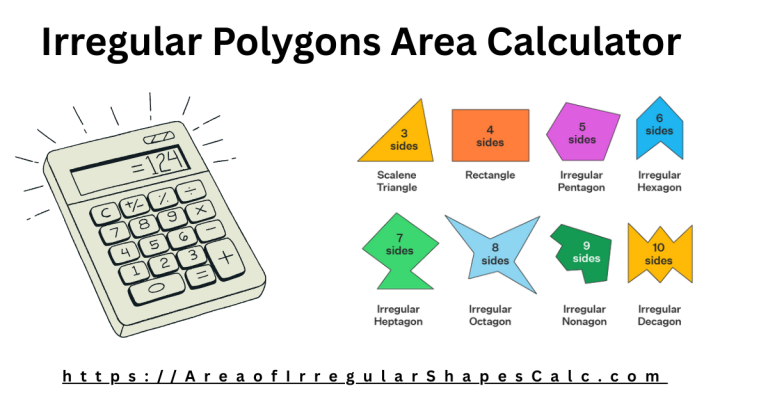
A heptagon is any shape with seven sides.
It becomes irregular when:
- The sides are not equal
- The angles are different
- The shape has no symmetry
In textbooks, heptagons are neat and balanced. In real life, seven-sided shapes usually appear because of constraints, not design. Once symmetry is gone, simple formulas no longer apply.
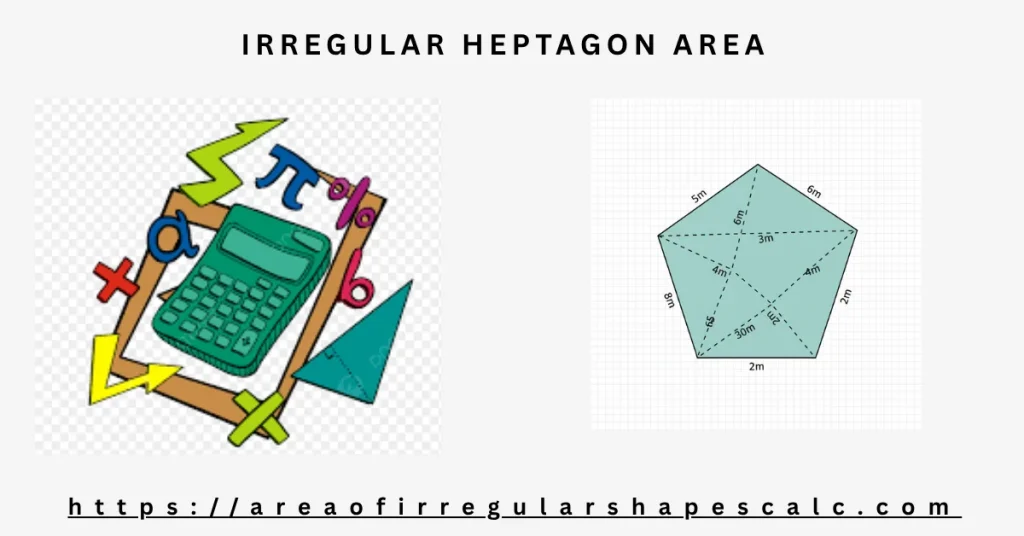
Why Irregular Heptagons Are Hard to Measure
The challenge is not the number of sides. It is the uncertainty.
With seven sides:
- There are many possible diagonals
- No single diagonal clearly splits the shape
- Heights are unclear and depend on perspective
Using only side lengths does not fully describe the shape. Breaking it into triangles can give different answers depending on how it is split. This is why manual calculations often feel unreliable.
The Practical Solution: Using Coordinates
Coordinates remove interpretation.
When you describe the shape using X and Y coordinates:
- Every corner is fixed in space
- The boundary is clearly defined
- Orientation and skew no longer matter
This calculator uses a coordinate-based method often called the shoelace method. You do not need to understand the formula itself. You only need to enter the points in order.
This approach is widely used in surveying, mapping, CAD, and engineering because it produces consistent and accurate results.
How to Use the Irregular Heptagon Area Calculator
Using the calculator is simple.
- Select your coordinate unit, such as meters or feet
- Enter the X and Y coordinates for all seven corners in order
- Click calculate
The calculator processes the data and shows the total area in square units. All calculations are handled internally.
Where Irregular Heptagons Appear in Real Life
Land Boundaries and Zoning
Property lines often bend around roads, waterways, or neighboring plots. These adjustments can create seven-sided parcels that are difficult to simplify without losing accuracy. Using coordinates from survey maps provides a clear and defensible area.
Floor Plans and Building Extensions
As buildings expand or change, walls may connect at angles set by existing structures. The footprint can easily become a heptagon. Coordinate-based calculation avoids assuming right angles and preserves usable space accuracy.
Roof Sections and Structural Layouts
Complex roof designs often intersect at non-standard angles. When multiple slopes meet, the footprint may form a seven-sided shape. Coordinates from drawings or CAD files allow reliable area calculation.
Mapping and Technical Work
In GIS and mapping systems, shapes are defined entirely by points. Irregular heptagons appear in zoning areas, environmental regions, and infrastructure planning. This calculator follows the same logic used in those tools.
Engineering and Design Constraints
Engineering layouts constrained by safety zones or existing infrastructure often create seven-sided regions. Accurate area measurement helps keep planning and execution consistent.
Common Mistakes to Avoid
Even with the right approach, mistakes can happen if inputs are careless.
- Entering points out of order
- Letting edges cross over each other
- Mixing coordinate units
- Rounding values too much
Taking a moment to check point order and units prevents most errors.
When Should You Use This Calculator?
This calculator is the right choice when:
- The shape has exactly seven sides
- The sides and angles are irregular
- Coordinates are available or can be extracted from drawings or maps
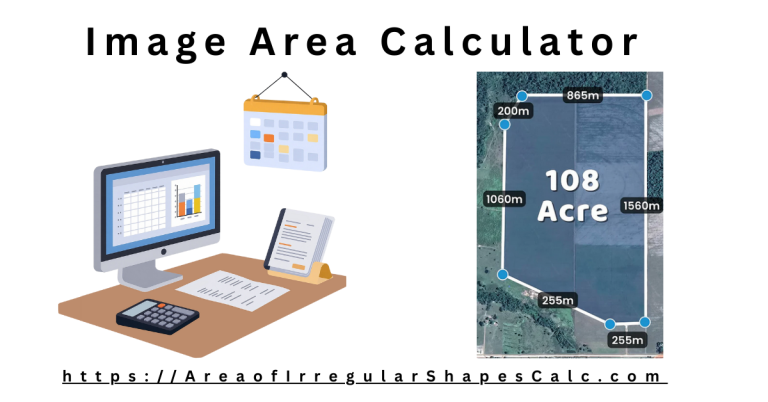
If your shape has a different number of sides, use the appropriate polygon calculator. For freehand or image-based shapes, the draw or image area tools may be a better fit.
Final Thoughts
Irregular heptagons are shaped by real-world constraints, not ideal geometry.
Trying to simplify them often adds error instead of clarity. By describing the shape exactly as it exists, point by point, this calculator gives you an area result you can trust when accuracy matters.