Irregular Pentagon Area Calculator
Calculate the area of an irregular pentagon using side lengths and diagonals or by entering coordinates (Shoelace / Gauss formula).
Sides
Diagonals
Pentagons look simple on paper. Five sides, five corners. But in real life, pentagons rarely behave the way textbooks describe them.
Walls are angled. Boundaries bend. Roofs intersect at odd points. Measurements are taken on site, not drawn perfectly on a grid. In these situations, regular pentagon formulas simply do not work.
That is exactly why this Irregular Pentagon Area Calculator exists.
Instead of assuming equal sides or neat angles, it works with the measurements you actually have. You enter what you can measure, or what you already know, and the calculator finds the area without forcing the shape to behave like something it is not.
What Is an Irregular Pentagon?
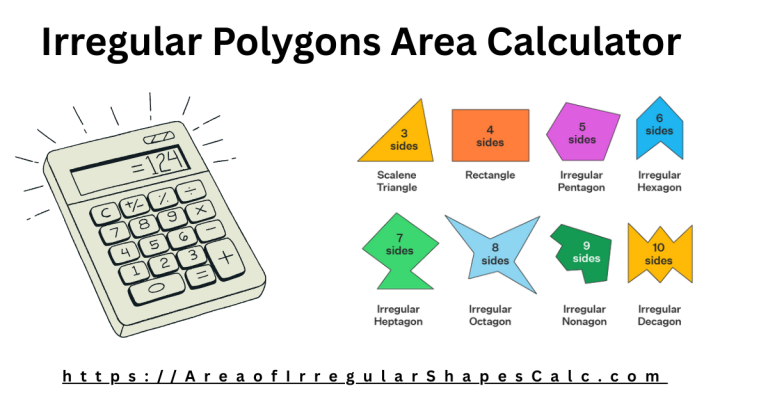
A pentagon is any shape with five sides.
It becomes irregular when:
- The sides are not the same length
- The angles are different
- The shape has no symmetry
In practice, this describes most five-sided spaces found in land plots, building layouts, roofs, and outdoor designs. Once the shape becomes irregular, there is no single shortcut formula that can be trusted.
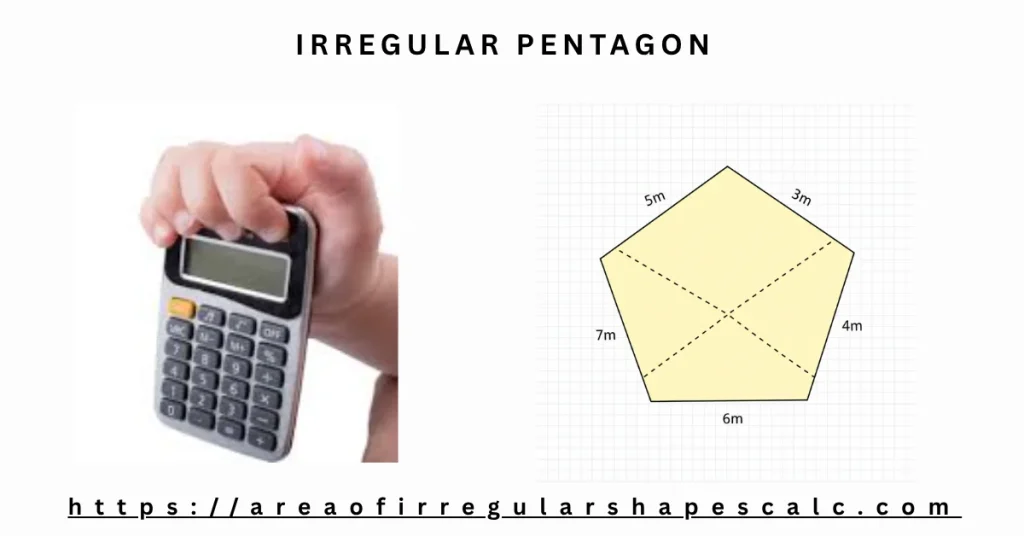
Why Irregular Pentagons Are Hard to Measure
Many people search for a simple formula and quickly realize there isn’t one.
The problem is not math. The problem is data.
- Angles are rarely measured outside of drawings
- Field measurements are usually straight-line distances
- The shape may lean or stretch in ways that are hard to describe
To calculate area correctly, the pentagon must either be broken into simpler shapes or described using coordinates. This calculator supports both approaches, so you can choose what fits your situation.
Two Reliable Ways to Calculate the Area
This calculator offers two practical methods. One is best for real-world measurements. The other is best when precise coordinate data is available.
Method One: Using Side Lengths and Diagonals
This is the recommended method for most real situations.
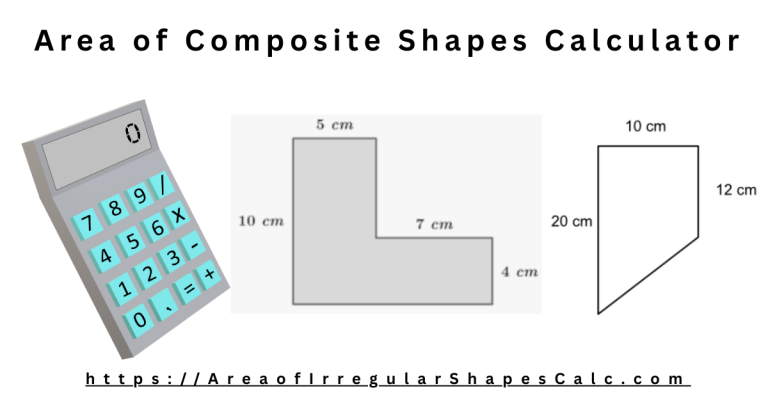
Instead of guessing angles, the pentagon is split internally into triangles using diagonals. Triangles are stable shapes. Their area can be calculated accurately using lengths alone.
You will need:
- All five side lengths
- Two diagonals connecting non-adjacent corners
This method works well when:
- You are measuring a physical space
- Angles are unknown or hard to capture
- You are working with land, rooms, roofs, or layouts
That is why this option is marked as the preferred method in the calculator.
Method Two: Using Coordinates (Shoelace Method)
When you already have exact coordinates, the calculator can use them directly.
You provide:
- X and Y coordinates for each of the five corners
The calculator then applies a proven coordinate-based method to calculate the area accurately.
This approach is ideal for:
- Survey data
- CAD or GIS exports
- Technical or academic work
How to Use the Irregular Pentagon Area Calculator
Using the calculator is straightforward.
- Choose the calculation method that matches your data
- Select your measurement unit
- Enter the required values
- Click calculate
The calculator applies the correct math internally and shows the final area clearly.
Where This Calculator Is Commonly Used
Land and Plot Measurement
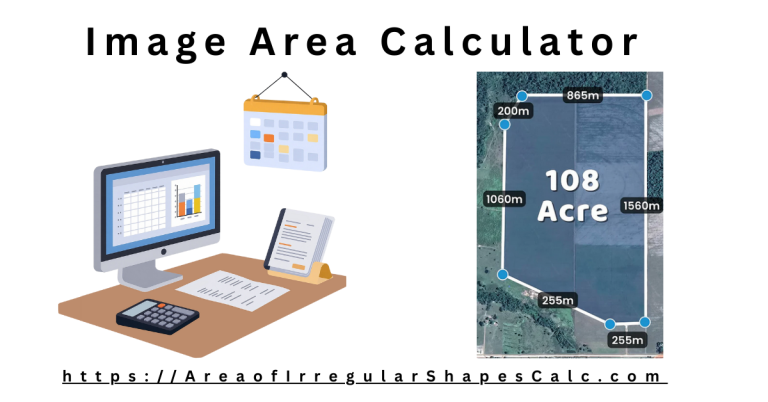
Five-sided plots appear where roads, boundaries, or natural features meet. Approximating these as rectangles or trapezoids often leads to noticeable errors. Using real side and diagonal measurements gives a far more reliable result.
Architecture and Building Layouts
Angled extensions, bay areas, and non-square connections often create pentagonal spaces. This calculator helps estimate usable floor area without forcing right angles that do not exist.
Roofing and Structural Sections
Roof surfaces frequently form irregular pentagons due to slopes and intersections. Accurate area calculations are essential for material estimates and cost planning.
Landscaping and Outdoor Design
Patios, garden sections, and fencing layouts often follow five-sided boundaries. Knowing the exact area helps with planning turf, stone, irrigation, and spacing.
Learning and Applied Geometry
Irregular pentagons are a good example of how real shapes are solved using decomposition or coordinates, not memorized formulas.
Common Mistakes This Calculator Helps Avoid
Many errors come from habit rather than bad measurements.
This calculator helps prevent:
- Using regular pentagon formulas for irregular shapes
- Measuring the wrong diagonals
- Mixing units accidentally
- Assuming angles are close enough to ignore
By matching the calculation method to the data you actually have, the results stay reliable.
Frequently Asked Questions
Yes. The side and diagonal method does not require angles.
At least one diagonal must be measured or estimated. Without diagonals or coordinates, the area cannot be calculated reliably.
Yes, when the coordinates are correct.
Yes. The calculator is designed for real units and practical measurements.
Final Thoughts
Irregular pentagons represent real space, not ideal geometry. This calculator adapts to how measurements are actually taken, whether that means using side lengths on site or coordinates from a plan.
Choose the method that fits your data, enter what you know, and let the calculator handle the rest with clarity and confidence.